Top Desktop Laser Engraver Options for Your Creative Projects?
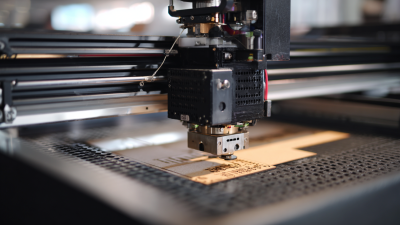
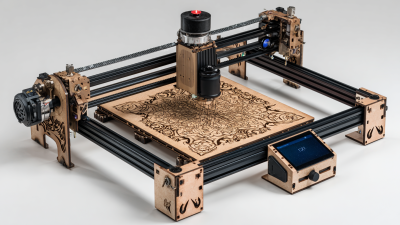
When it comes to creative projects, a desktop laser engraver can be a game changer. These machines offer precision and versatility, allowing artists and hobbyists to take their work to new heights. Whether you're personalizing gifts or crafting intricate designs, the right engraver plays a key role in your success.
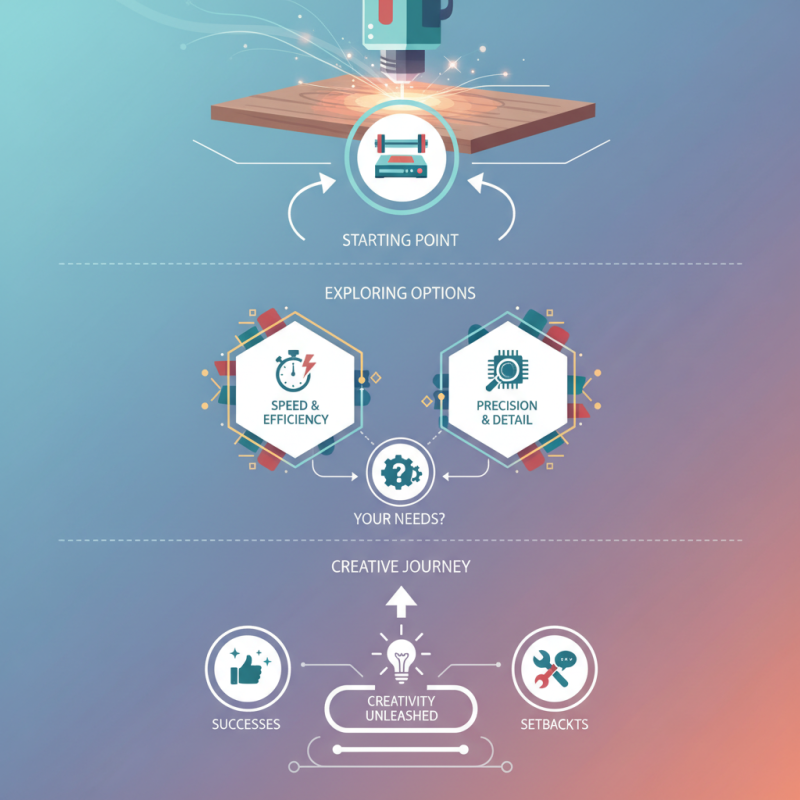
The market offers many choices, each with unique features. For example, some models excel in speed, while others focus on detailed engraving. It’s crucial to consider your specific needs. A desktop laser engraver that suits one artist may not fit another’s style. Users often find themselves overwhelmed by options. Reflecting on what truly matters for your projects can simplify the decision-making process.
Engraving designs can reveal subtle flaws in technique, prompting improvements. Don't shy away from challenges; they often lead to greater creativity. With a desktop laser engraver, embracing both the successes and setbacks contributes to a fulfilling artistic journey. Choose wisely, and let your creativity flourish.
Overview of Desktop Laser Engravers: Key Features and Benefits
When exploring desktop laser engravers, understanding their key features is crucial. These machines deliver precision and versatility for various creative projects. They often support multiple materials, including wood, acrylic, and metal, making them ideal for diverse applications.
Data reports indicate that the global market for laser engraving is expected to grow significantly. Estimates suggest a compound annual growth rate of around 7% over the next several years. Such growth underscores the increasing demand for creative tools that empower designers and hobbyists alike. Despite their growing popularity, users should note the learning curve involved. Familiarizing oneself with machine settings is essential for achieving optimal results.
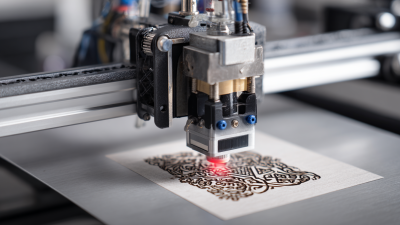
Another key feature to consider is the resolution. Many engravers offer resolutions of up to 1000 dpi, ensuring fine detail in designs. However, some users might find inconsistencies in output quality. Regular maintenance is vital to avoid these issues. Investing in a machine is just the beginning; regular practice and adjustments are necessary for mastering the craft. Remember, the beauty of laser engraving lies in experimentation and continuous learning.
Comparing Types of Laser Engravers: CO2 vs. Fiber vs. Diode
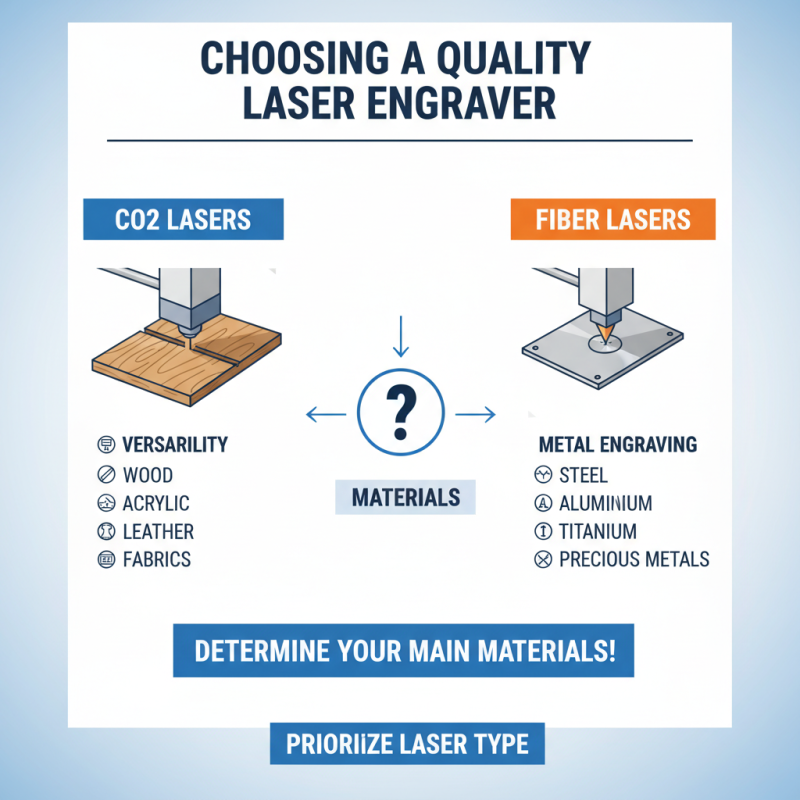
When selecting a laser engraver, understanding the differences between CO2, fiber, and diode lasers is essential. CO2 lasers excel in engraving on wood, glass, and acrylic. They produce high-quality designs, making them a popular choice for artisans. You’ll find that they generate detailed and intricate patterns with ease. However, they may struggle with metals or harder materials. This limitation can be frustrating, especially when diversifying your project portfolio.
Fiber lasers, on the other hand, are ideal for marking metals and plastics. They offer high-speed engraving, which can be a significant advantage for commercial purposes. Many users appreciate how fiber lasers minimize heat exposure. This feature prevents material warping, which is a common issue with CO2 lasers. Yet, fiber lasers might not engrave wood as effectively. This can be a point of dissatisfaction for those who focus on a broader range of materials.
Diode lasers are often considered entry-level options. They are user-friendly and affordable, making them suitable for hobbyists. You can engrave cardboard, leather, and even some plastics. However, their power is limited. This restricts the types of projects you can take on. Many users find the engraving speed slow, leading to longer project times. It’s important to weigh your specific needs against what each type can offer.
Top Desktop Laser Engraver Options for Your Creative Projects
| Type |
Engraving Material |
Max Engraving Area (mm) |
Average Price (USD) |
Power (W) |
| CO2 Laser |
Wood, Acrylic, Glass, Leather |
300 x 200 |
500 - 2000 |
40 - 150 |
| Fiber Laser |
Metal, Anodized Materials |
200 x 200 |
1000 - 5000 |
20 - 50 |
| Diode Laser |
Wood, Paper, Fabric, Leather |
300 x 400 |
200 - 1000 |
1 - 5 |
Essential Specifications: Power, Speed, and Work Area Considerations
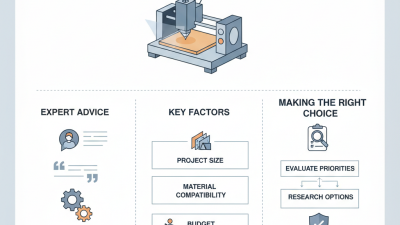
When choosing a desktop laser engraver, essential specifications matter greatly. Power is crucial for cutting through various materials. For example, models with 40-60 watts can effectively engrave wood and acrylic. However, higher wattage might be necessary for metals. A report indicated that 50% of users felt underpowered machines hindered their creativity, showing the importance of adequate power.
Speed also plays a significant role. Engraving speeds typically range from 10 to 100 mm/s. A faster machine reduces project time but can compromise engraving quality. Many creatives express frustration with slow machines, claiming they spend too much time waiting. In contrast, an optimal speed can inspire more experimentation with designs.
Lastly, the work area is a vital consideration. The size of the engraver affects the scale of projects. A limited work area may restrict creativity, as noted by 63% of surveyed users who felt confined by smaller machines. A device with a larger workspace can accommodate bigger designs and varied materials. Finding the right balance between power, speed, and work area can elevate your projects and unlock new possibilities.
User Tips: Getting Started and Optimizing Your Engraving Experience
When starting your engraving journey, preparation is key.
Select suitable materials that can withstand the laser process. Testing on scraps before the final piece is crucial.
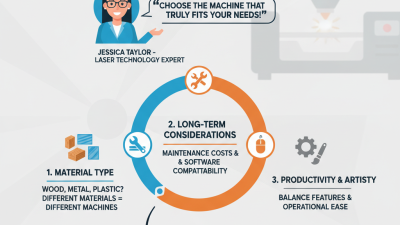
This way, you won't waste your best materials on mistakes. Understand that settings vary for wood, metal, and plastic.
Experimentation can yield interesting results, but it requires patience.
Familiarize yourself with the software used for design. Simple interfaces often have a learning curve.
Spend time creating and tweaking designs. Sometimes, small adjustments lead to stunning outcomes.
Don't hesitate to revisit and refine your projects.
Each engraving can teach you more about technique and creativity.
Keep your workspace organized. A cluttered area can distract you and lead to errors.
Lighting matters, too; ensure visibility to avoid accidents.
Track your progress in a journal to note what works and what doesn't.
Reflect on challenges faced during each project. It’s part of growth in your engraving skills.